
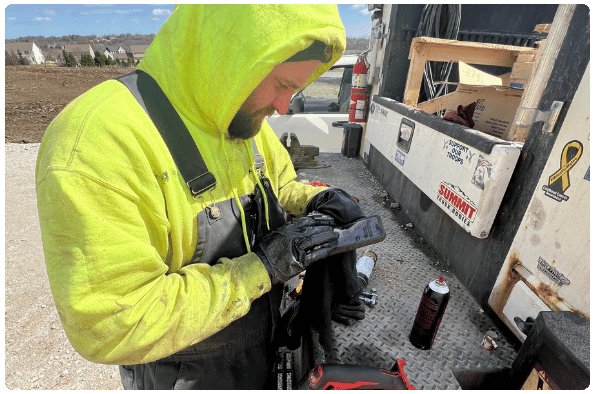
TimeVO uses employee schedules, equipment locations, and project setup information already in IVO to pre-fill individual and crew timecards with the right people, equipment, cost codes, bid items, and configured pay classes.
Employees can enter their own time for foreman review, or foremen can complete time for the entire crew. Once completed, that information provides real-time labor and equipment cost visibility and can flow into your accounting or ERP platform through IntegrationsVO.










TimeVO brings employee schedules, equipment locations, and project setup information into the timecard, giving employees and foremen fewer details to enter at the end of the day.
ScheduleVO identifies which employees are on the project and which foreman they are working with.
Equipment located on the project in TrackVO is available to select without searching through the full equipment list.
Cost codes, bid items, and configured pay classes are tied to the appropriate project and employee.
Employees can submit their own time to populate the crew timecard, or foremen can enter time for the entire crew.
Many construction timecard systems are simple enough for quick field entry but cannot capture the details heavy civil work requires. Others are so complex that field employees struggle to complete them consistently and correctly.
TimeVO can be customized to support straightforward cost-code entry or detailed public-work setups where multiple cost codes roll up to a parent bid item or phase code. Field employees see the options relevant to their work, while the office keeps the detail needed for payroll, production tracking, and job costing.
Tell us how your team enters and processes time today. We’ll show you individual and crew timecards, auto-populated information, real-time job costing, and ERP connections using a setup that fits your operation.
You’ll use the software yourself, get pricing, and know after one meeting whether IVO is a fit for your company.
Heavy civil timecards may need to account for several pieces of equipment, cost codes, bid items, and pay classes throughout the day. TimeVO gives your team flexibility without forcing them to create unnecessary entries.
Link several pieces of equipment to the same employee and timecard as the work changes throughout the day.
When supported by your accounting or ERP system, record equipment time without linking it to an employee.
Reuse entries from a previous crew timecard when the same employees, equipment, or job details carry into another day.
Use custom permissions to control who can submit, edit, review, approve, or reject timecards.
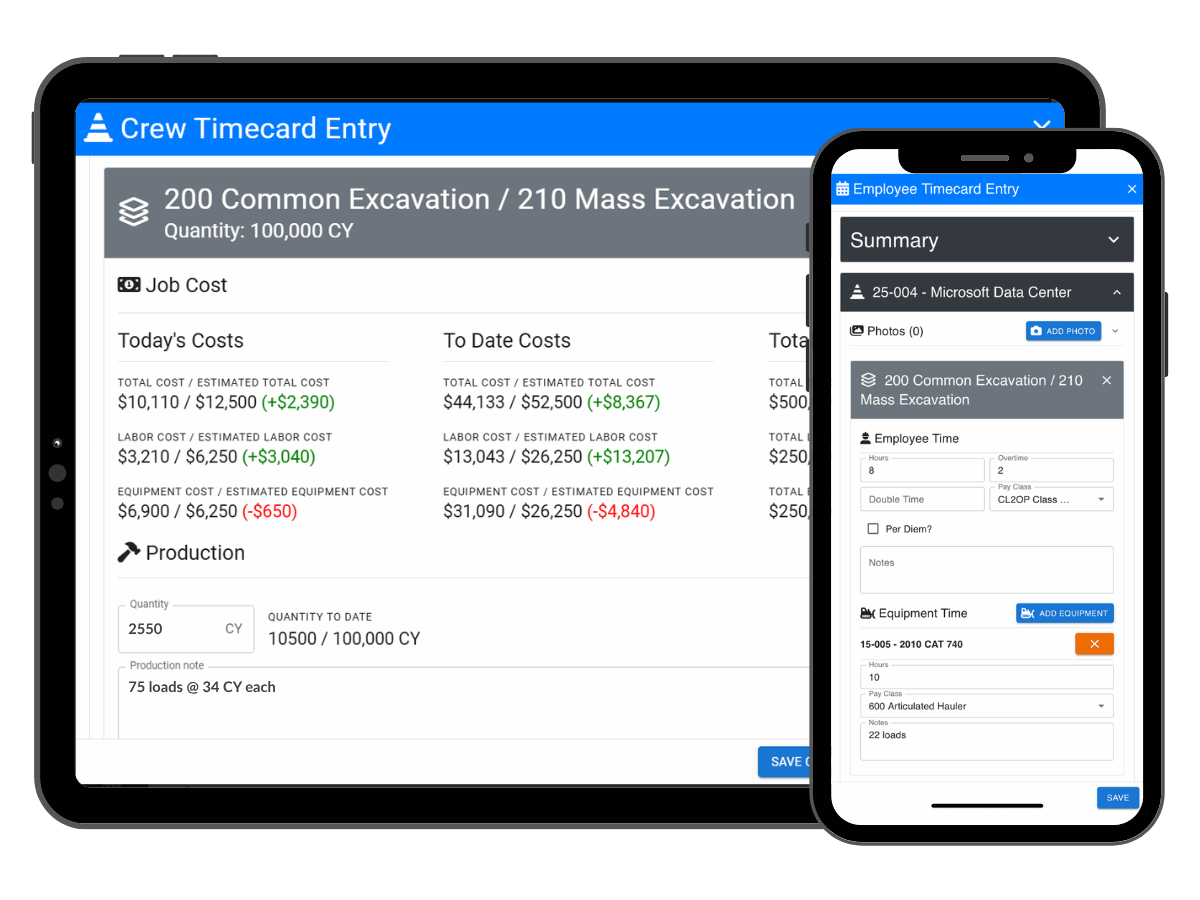
As timecards are entered, TimeVO connects labor and equipment time with project budgets, cost codes, bid items, and production quantities.
Managers can compare current costs and production against the budget while work is still active, giving them time to adjust crews, equipment, or the plan before closeout.
IntegrationsVO connects TimeVO with your accounting or ERP platform. Jobs, employees, equipment, cost codes, pay classes, and other setup information can flow into IVO, while approved labor and equipment time can move back for payroll and job costing.
The exact data flow depends on the provider and your company’s configuration.

MaintainVO+ gives mechanics a dedicated way to enter time from the work orders they are completing. Equipment information, meter readings, notes, accounting codes, pay classes, and other work-order details carry into the timecard, keeping mechanic labor tied to the right equipment and repair.
MaintainVO+ is a separate add-on to MaintainVO and is not included with TimeVO.
.png)
Airy’s, Inc. (Joliet, IL) replaced a process that required separate timesheets for every employee and piece of equipment with TimeVO crew timecards. With better data coming in from the field, payroll went from a half a day to around 15 minutes.
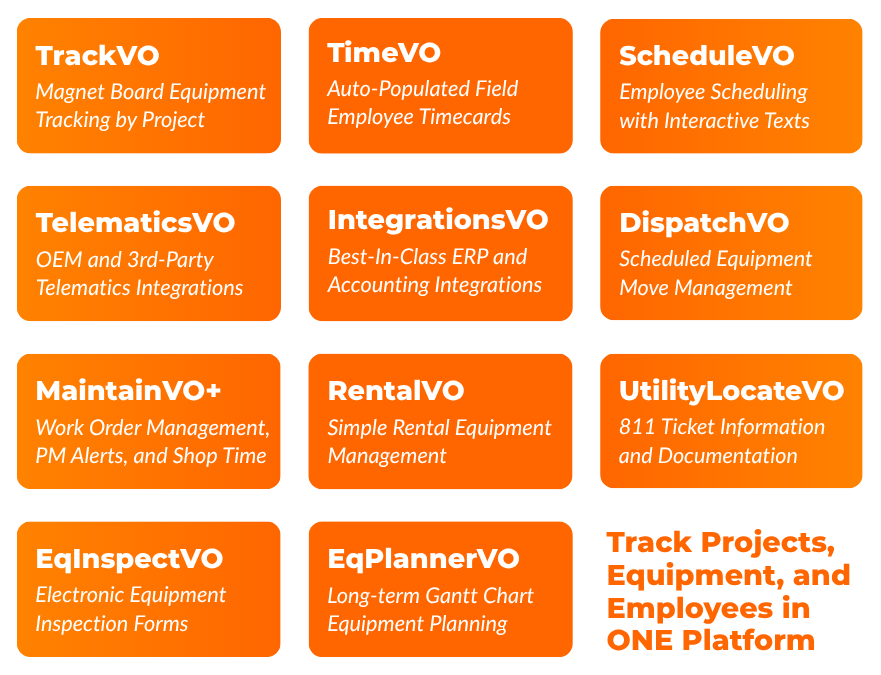
Choose the IVO modules that fit your operation today, then add others as your needs grow. Everyone can access the same platform, while custom permissions control what each person can see and do.
No per-seat pricing or individual licenses.
Privacy Policy
IVO Systems® and IVO® are trademarks of IVO Systems, Inc.